A USB macropad you program with Go.

octokeyz-mega, assembled
Overview
octokeyz is a complete open-source USB macropad project (firmware, PCB designs, 3D-printable enclosures, and a Go client library) built around the STM32F042 microcontroller. It connects over USB HID, so it works on Linux, macOS, and Windows without drivers. But here's where it gets interesting: instead of mapping buttons to keyboard shortcuts, you write real Go programs that react to button presses and can talk to anything -- APIs, CI pipelines, home automation, media servers, whatever you can reach from code.
Key highlights
- No drivers required -- USB HID class device, plug in and go on any OS
- Program with Go -- a client library handles device discovery, button events, LED control, and display output
- Two hardware variants -- a compact push-button version and a mechanical-switch version with an OLED display, both running the same firmware
- Fully open source -- BSD-3-Clause for firmware and software, CERN-OHL-S-2.0 for hardware designs
- DFU firmware downloads -- update over USB, no programmer needed
- 3D-printable enclosures -- OpenSCAD source files included, ready to customize
Hardware variants
octokeyz
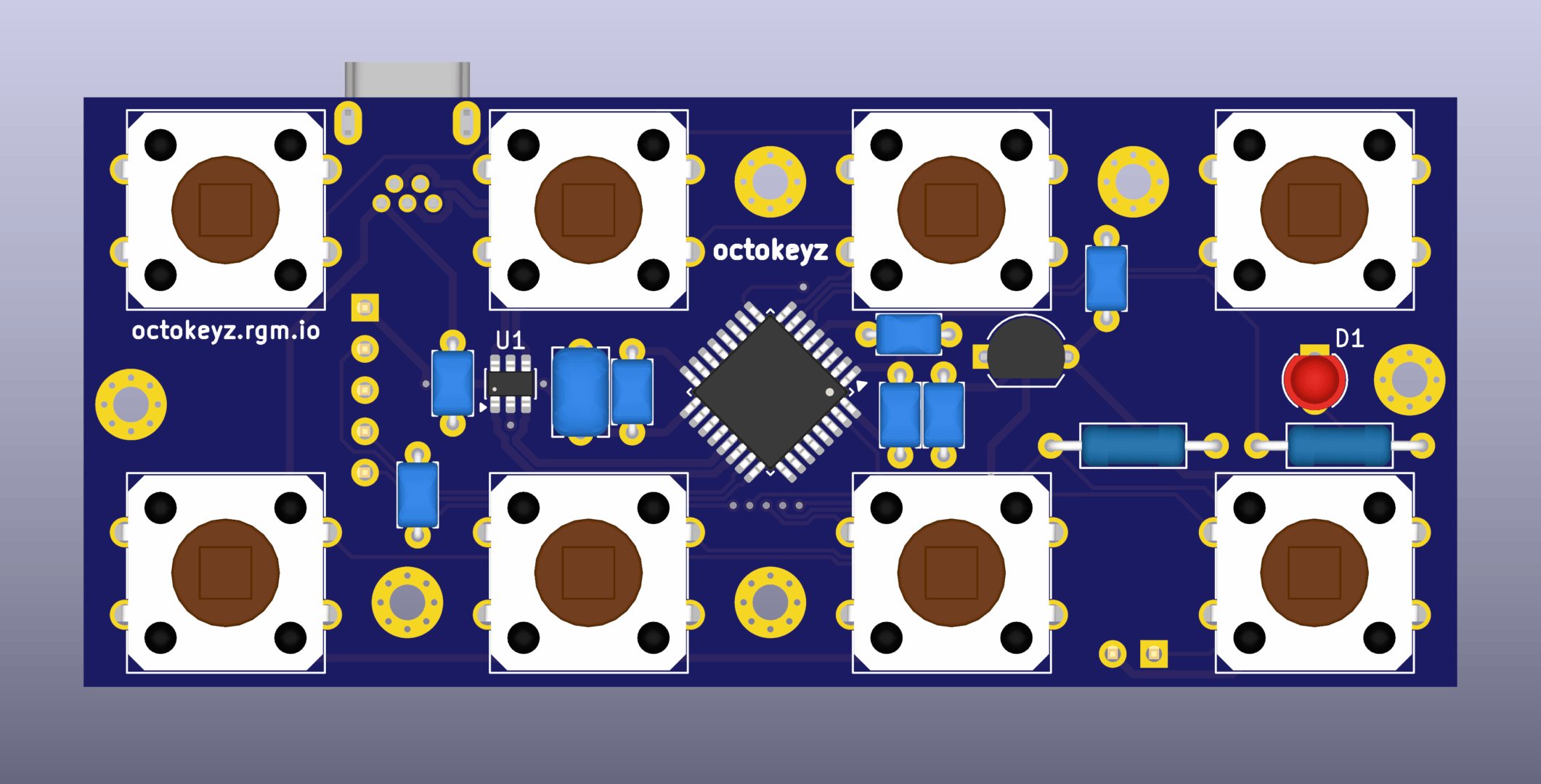
octokeyz PCB render
Eight 12mm SPST push-buttons, a single indicator LED, and a USB Mini-B connector. Small, simple, and gets the job done.
octokeyz-mega
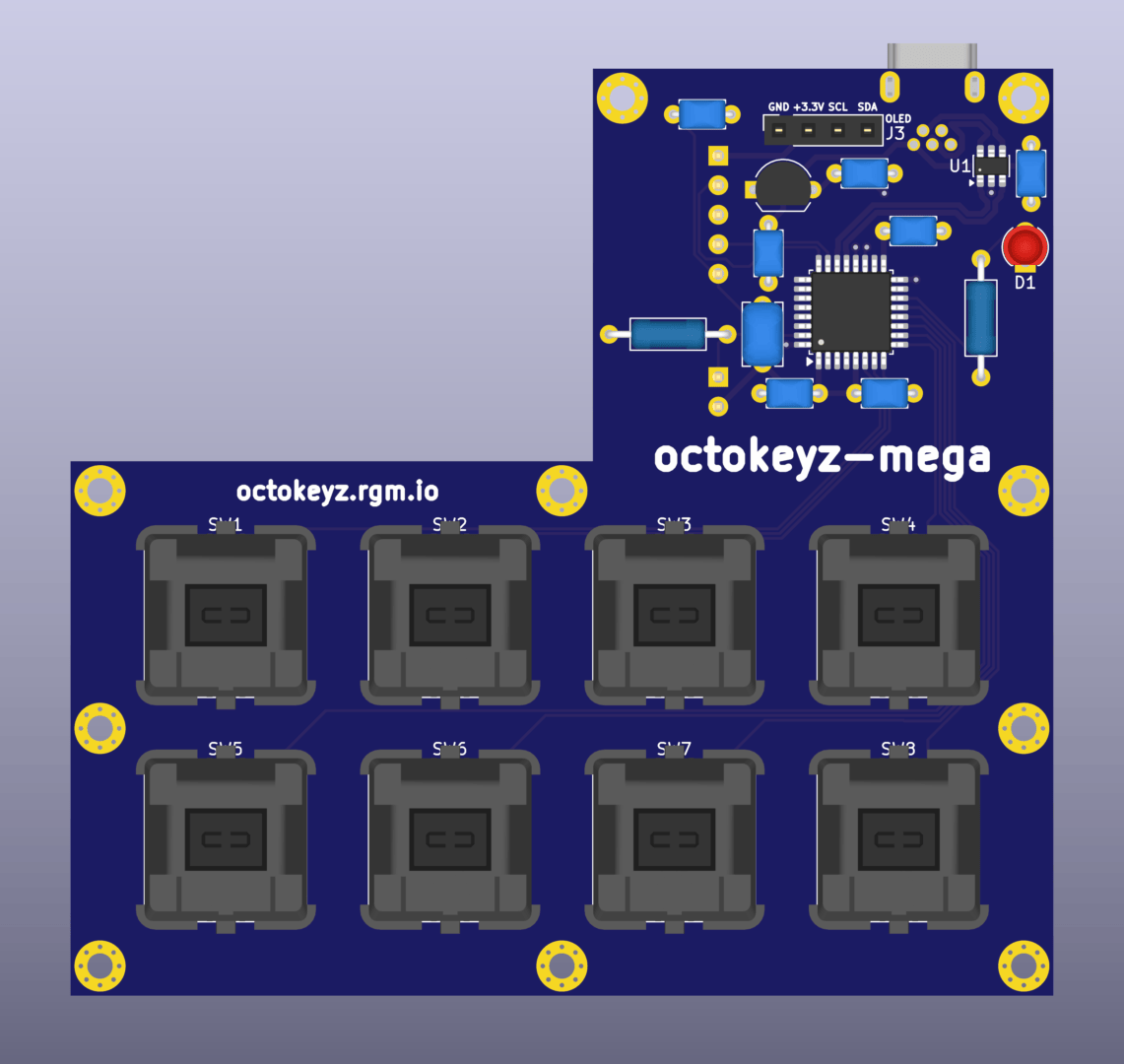
octokeyz-mega PCB render
Eight Cherry MX mechanical switches, a 128x64 OLED display with 8 lines of text, a single LED, and USB Mini-B. Built for setups where you want visual feedback from your programs.
Usage
Discovering a device, reacting to button presses, and handling release timing takes about 20 lines of Go:
dev, err := octokeyz.GetDevice("")
if err != nil {
    log.Fatal(err)
}
if err := dev.Open(); err != nil {
    log.Fatal(err)
}
defer dev.Close()

dev.AddHandler(octokeyz.BUTTON_1, func(b *octokeyz.Button) error {
    fmt.Println("pressed")
    duration := b.WaitForRelease()
    fmt.Printf("released after %s\n", duration)
    return nil
})

if err := dev.Listen(nil); err != nil {
    log.Fatal(err)
}
From here, your handler can do anything a Go program can do.
Explore further
- Hardware: octokeyz -- schematics, PCB details, and assembly for the basic variant
- Hardware: octokeyz-mega -- schematics, PCB details, and assembly for the mechanical variant
- Firmware -- building, flashing, and DFU upgrades
- Client libraries -- Go library documentation and examples
- Source code -- full project repository on GitHub